
Update Megaladata Server
To update the Megaladata Server:
- Stop the
megaladataservice. -
Run the new version of the Megaladata installer:
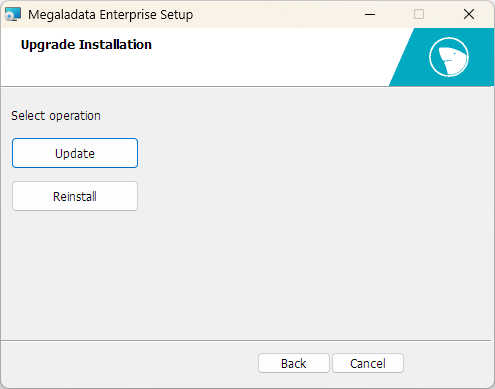
- Click Update to update the installed Megaladata instance.
- Click Reinstall to launch a new product installation dialog. This will delete the previous version without saving settings.
-
After the update, start the
megaladataservice.
Important: If the Apache version was updated after installing Megaladata (files in the C:\Program Files\Megaladata\Apache24 folder were replaced), the installer will delete the replaced Apache files during the next Loginom update, which will impact its functionality. This behavior is considered normal, as the installer "orders" all files according to the options selected during installation.
Command line
To update from the command line, use the DOUPGRADE=1 key:
net stop megaladata
msiexec /i "MegaladataEnterprise.msi" /qn DOUPGRADE=1
net start megaladata