
Updating Megaladata Integrator
Graphical interface
To update Megaladata Integrator, launch the installer for the new version:
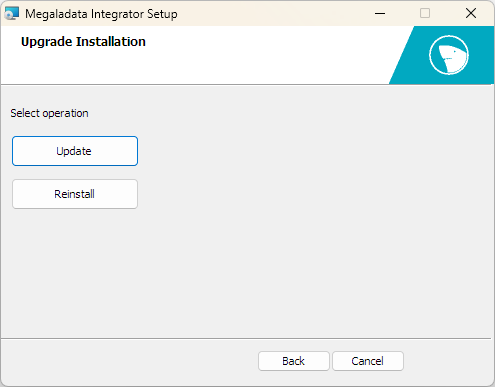
Clicking the Update button updates the installed instance of Megaladata Integrator.
Clicking the Reinstall button starts the dialog for a new installation of the product. The previous version will be removed without saving any settings.
Command line
You can perform the update from the command line by specifying the DOUPGRADE=1 parameter:
msiexec /i "MegaladataIntegrator_7.x.x.msi" /qn DOUPGRADE=1