
Online Activation of a Software Key
To successfully activate the key, you need:
- A Guardant driver (version 7.0 or higher) installed.
- The
GuardantActivationWizard.exeutility, included with the software key and the Megaladata distribution. - A programmed Guardant key template (a
*.grdvdfile). - A serial number formatted like:
9XZrwR-XXXXX-7NGDyS-XXXXX-qZGBcW-XXXXX-XoLBXF-xwqwXv-8oEO0o-XXXXX. - Internet access to the activation server at
https://www.guardant.com/support/users/server/during the initialization process.
Important: Guardant keys use cryptographic hardware binding, meaning you cannot use an activated key on a different computer.
Activation steps
To activate the Guardant key, run GuardantActivationWizard.exe and follow the prompts. If you installed Megaladata with default settings, you can find this utility in the Windows Start menu under Megaladata 7, or in the folder C:\Program Files\Megaladata\Guardant.
- Click Select license file to locate your
*.grdvdfile. Check your internet connection and click Next.
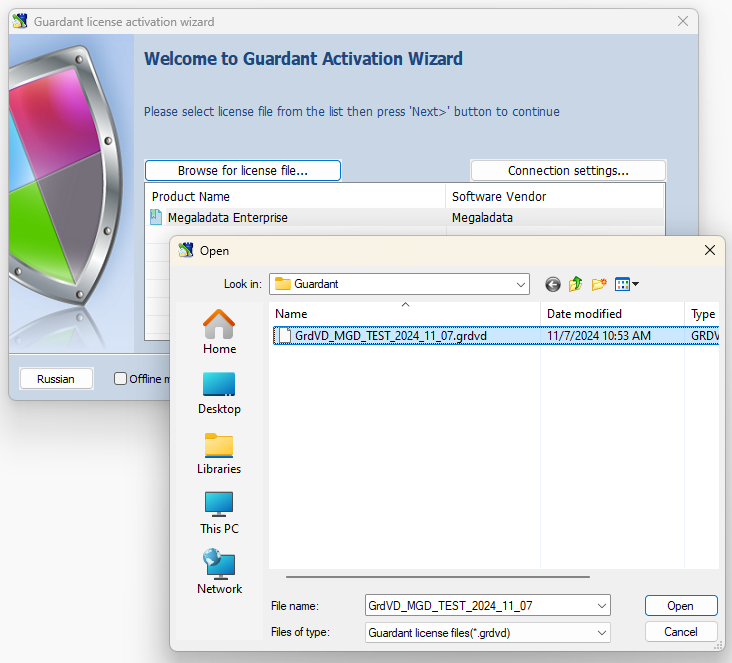
- Enter your serial number in the input field and click Next.
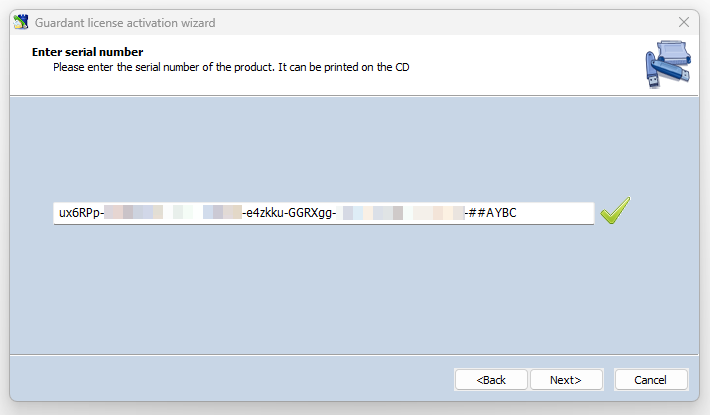
The wizard will communicate with the key driver and the activation server to verify the serial number and re-encrypt the software key file using your computer's hardware IDs.
If the activation is successful, the wizard will display a final confirmation window.
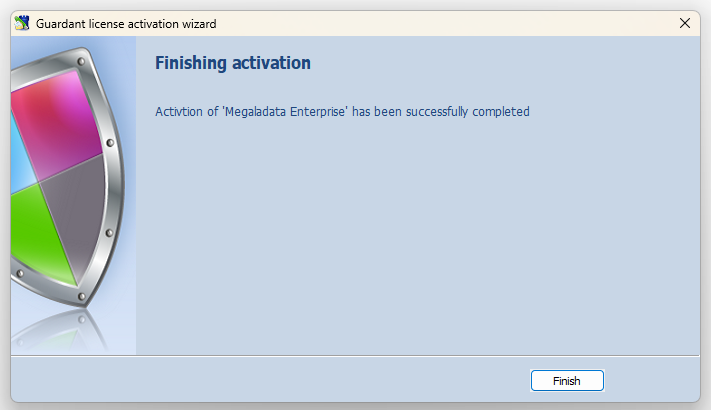
If you encounter any errors during this process, please contact [email protected].
Read on: Activating a Software Key Offline