
Software Key Types
Physical USB keys come in two design types: standard and micro.
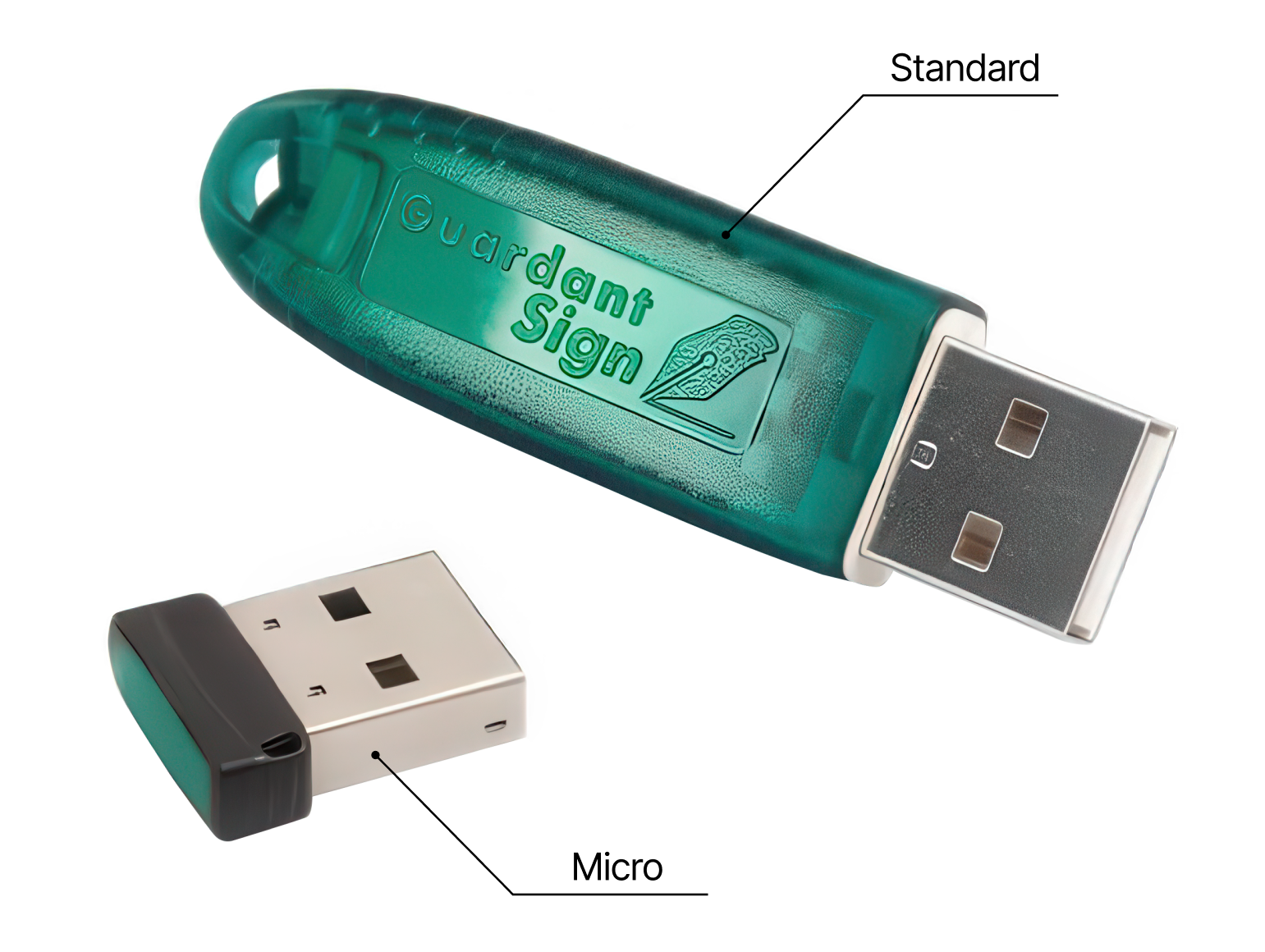
Both options are available for local keys, but the network key is only available in the standard form factor.
Local USB key
Features:
- Connects to the USB port of the computer where you want to run Megaladata.
- The software binds to the key and not the computer's parameters.
- You can only run Megaladata on the machine where the key is installed.
- Megaladata does not work when connected to the system via an RDP session.
Advantages:
- Operates more stably and reliably.
- Prevents licence blocking in case another user left Megaladata open on a different machine.
- Only requires a driver installation for the local key, whereas a network key requires a dedicated server with a key server installed.
Network USB key
Features:
- Must be installed on a dedicated server, which requires the additional installation of a key server.
- Licences are concurrent, meaning the number of computers (or terminal sessions) running Megaladata applications is limited.
Advantages:
- No need to install a driver on each machine; simply install the program.
- Concurrent licences allow for purchasing fewer software licences. This is particularly convenient in a corporate network, as employees don't usually run Megaladata at the same time.