
Removing Megaladata Desktop
You can uninstall Megaladata Desktop in several ways:
- Remove the application from the Installed apps window in Windows.
- Run the product installer and click the Remove button.
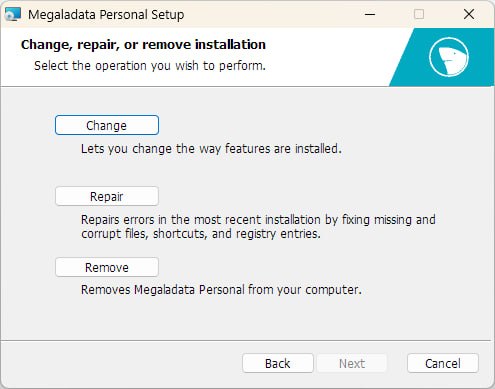
- Execute the following command in the command prompt as administrator:
msiexec /x MegaladataPersonal_7.x.x.msi /qn
Read on: Licenses