
License Keys
Megaladata products are licensed using Guardant keys. Depending on the OS, the key has different installation and update options. Keys come in two main types: physical keys (USB) keys and software keys. Let's explore them in detail:
- Local USB Key is a physical key recommended for single instances of Megaladata on servers with physical access to USB ports.
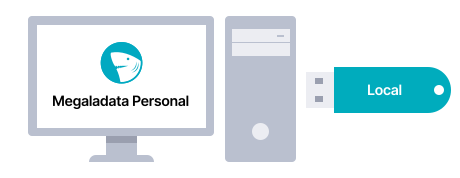
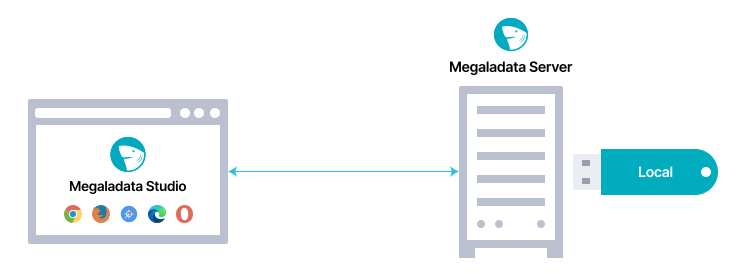
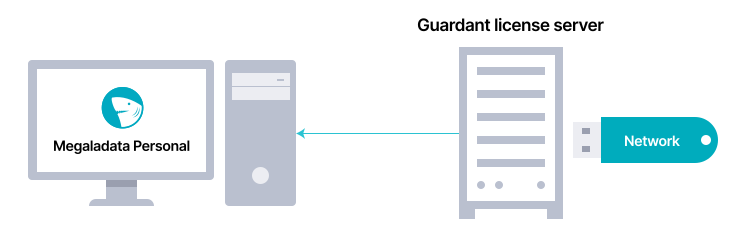
- Network USB Key is the physical key recommended for a large number of Megaladata instances in a local network. It eequires deploying a network key server version 7.0 or higher.
- Software key is recommended for single instances of Megaladata in virtual environments without physical access to USB ports.
Important: Software keys are cryptographically tied to the hardware. After activation, such keys cannot be reactivated or transferred to another computer.
There are several physical key options available. See details.
Activating the software key
Before using the platform elements, the software SP key must be activated.
Instructions for activating a software key for Windows.
Instructions for activating a software key for Linux.
Activating the software key for offline systems
To activate the software key in a situation when the end user's computer has no internet access, proceed to the following guidelines:
Instructions for activating a software key for Windows offline.
Instructions for activating a software key for Linux offline.
Updating hardware USB keys
Whenever additional licenses for any Megaladata elements or options are purchased, you need to reprogram your USB key. To do this, the key's memory content will be remotely updated by exchanging special codes via email.
Articles in Section: